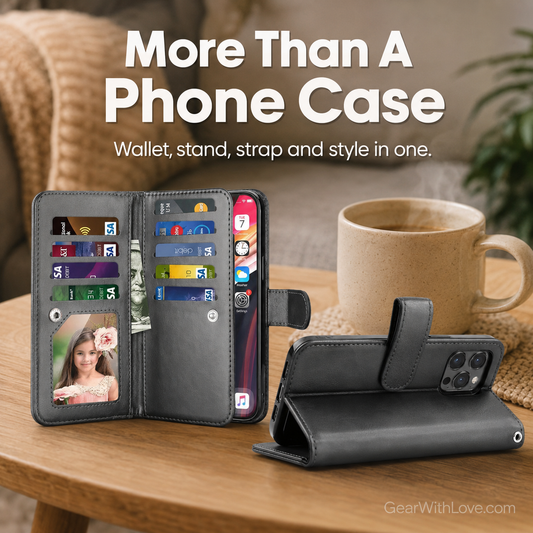
Luxury Slim Card Slider Wallet Case for iPhone
Luxury Slim Card Slider Wallet Case for iPhone
💳 Sliding compartment for daily cards
👖 Slim design without a folding wallet cover
📷 Raised camera-edge detail
Couldn't load pickup availability

How many cards fit?
How many cards fit?
The sliding compartment is intended for a small number of slim daily cards. Avoid overfilling so the cover slides and closes correctly.
How does the slider work?
How does the slider work?
Slide the rear cover open to access cards, then close it to keep the compartment concealed.
What's included?
What's included?
One model-specific Slim Card Slider case in the selected color.

Luxury Slim Card Slider Wallet Case for iPhone


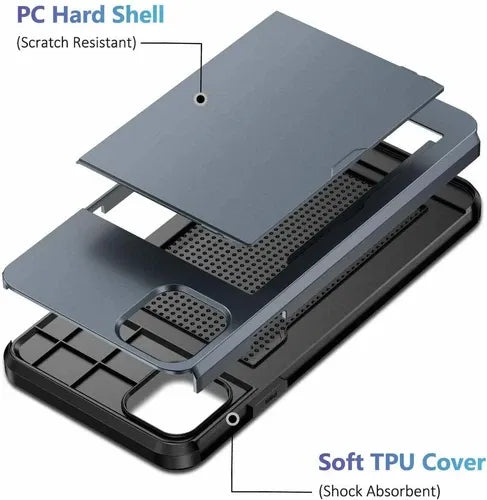

Your Cards Have a Secret Spot Behind Your iPhone. 💳
Keep your license and other everyday cards close inside the sliding rear card compartment. No separate cardholder to dig for, and no large flip-wallet cover to open every time you grab your phone.
💳 Covered rear card compartment
🔒 Slider conceals cards when closed
📱 Phone and basics together

The Slim Case That Doesn't Feel Like a Full Wallet. 👖
Want wallet convenience without a thick folio? The streamlined hard-shell shape is made for easy pocket carry and a simple everyday grip.
👖 Compact everyday profile
🤲 Easy one-hand carrying
✨ Clean minimal styling

Slide, Reach, Close—and Go. 🔒
Need a card for lunch or your next quick stop? Open the slider, retrieve what you need and close it again to keep your small card selection together behind your phone.
🔒 Sliding protective card cover
💳 Convenient daily-card access
🙌 Less to juggle at checkout

Phone Protection Without a Bulkier Folio. 📷
The case has a raised camera-edge design and model-specific side openings. Choose your exact iPhone model so buttons and ports remain accessible.
📷 Raised camera lip
📱 Model-specific case fit
🔘 Accessible buttons and ports
Why Customers Choose The Slim Card Slider
📦 FREE TRACKED SHIPPING
💳 SLIDING CARD COMPARTMENT
📱 SLIM ONE-PIECE CASE
📷 RAISED CAMERA EDGE
📦 FREE TRACKED SHIPPING
💳 SLIDING CARD COMPARTMENT
📱 SLIM ONE-PIECE CASE
📷 RAISED CAMERA EDGE
📦 FREE TRACKED SHIPPING
💳 SLIDING CARD COMPARTMENT
📱 SLIM ONE-PIECE CASE
📷 RAISED CAMERA EDGE
📦 FREE TRACKED SHIPPING
💳 SLIDING CARD COMPARTMENT
📱 SLIM ONE-PIECE CASE
📷 RAISED CAMERA EDGE
📦 FREE TRACKED SHIPPING
💳 SLIDING CARD COMPARTMENT
📱 SLIM ONE-PIECE CASE
📷 RAISED CAMERA EDGE
📦 FREE TRACKED SHIPPING
💳 SLIDING CARD COMPARTMENT
📱 SLIM ONE-PIECE CASE
📷 RAISED CAMERA EDGE
📦 FREE TRACKED SHIPPING
💳 SLIDING CARD COMPARTMENT
📱 SLIM ONE-PIECE CASE
📷 RAISED CAMERA EDGE
📦 FREE TRACKED SHIPPING
💳 SLIDING CARD COMPARTMENT
📱 SLIM ONE-PIECE CASE
📷 RAISED CAMERA EDGE
📦 FREE TRACKED SHIPPING
💳 SLIDING CARD COMPARTMENT
📱 SLIM ONE-PIECE CASE
📷 RAISED CAMERA EDGE
📦 FREE TRACKED SHIPPING
💳 SLIDING CARD COMPARTMENT
📱 SLIM ONE-PIECE CASE
📷 RAISED CAMERA EDGE
Wallet Convenience Without the Full Wallet Bulk.
Talk about how and why is your brand better than the others.
| Slim Card Slider | Basic Phone Case | |
|---|---|---|
| Model-specific phone case | ||
| Hidden card compartment | ||
| Sliding rear cover | ||
| Slim one-piece profile | ||
| Raised camera edge |
Questions Before You Order
How do I choose the correct iPhone model?
How do I choose the correct iPhone model?
On your iPhone, open Settings → General → About → Model Name and select that exact model plus your preferred color before adding to cart.
How many cards should I carry?
How many cards should I carry?
Use the compartment for a small number of slim daily cards. Overfilling can prevent the slider from closing correctly.
Can I use wireless charging?
Can I use wireless charging?
Stored cards and the rear compartment may interfere with wireless charging. Remove cards and, if needed, the case. Compatibility with individual wireless chargers has not been verified.
What if I choose the wrong model?
What if I choose the wrong model?
Contact Gear With Love promptly if you selected the wrong model. Exchanges and returns are subject to the store's published policies and item eligibility.
How many cards should I put behind the slider?
How many cards should I put behind the slider?
Use it for a small number of slim everyday cards. Capacity may vary by card thickness; avoid overfilling or forcing the sliding cover shut.
More iPhone Cases You May Love
-
Luxury Zipper Wallet Phone Case for iPhone
Regular price $69.95Regular price $69.95 Sale priceUnit price per$139.9550% -
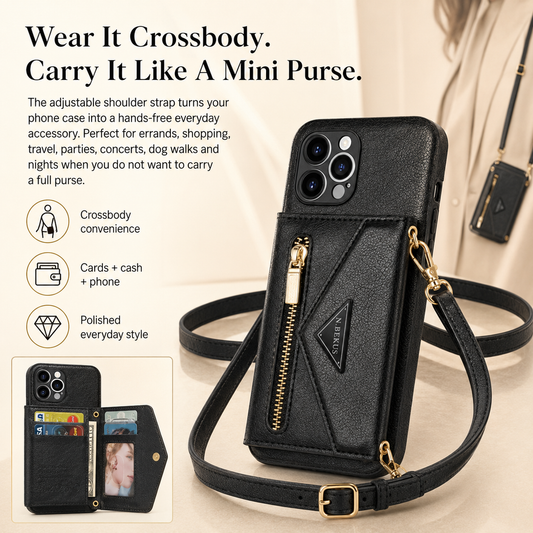
Luxury Crossbody Wallet Phone Case for iPhone
Regular price $79.95Regular price $79.95 Sale priceUnit price per$139.9542% -
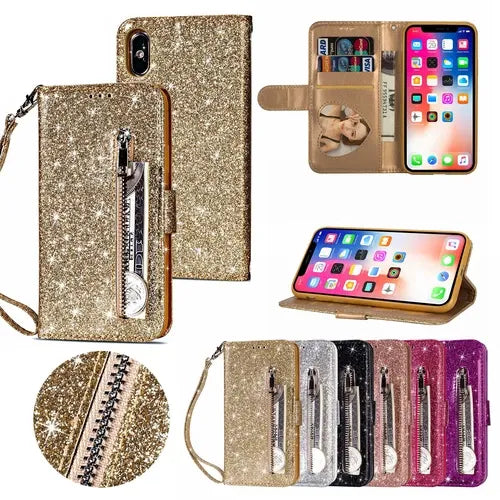
Glitter Bling Leather Zipper Wallet Case For iPhone
Regular price $69.95Regular price $69.95 Sale priceUnit price per$139.9550% -
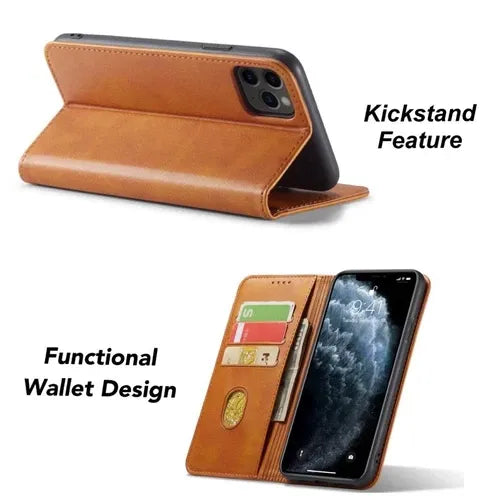
Luxury Classic Magnetic Flip Wallet Case for iPhone
Regular price $49.95Regular price $49.95 Sale priceUnit price per$139.9564% -
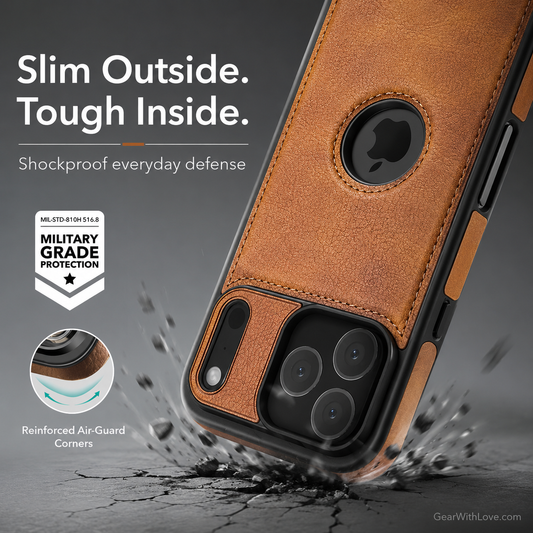
Slim Luxury Leather Case Cover for iPhone
Regular price $49.95Regular price $49.95 Sale priceUnit price per$139.9564% -
Luxury Leather Wallet iPhone Case Cover
Regular price $69.95Regular price $69.95 Sale priceUnit price per$139.9550%